
All the Essential Features You Need in Accounting Software

RECEIVABLES
Simplify Receivables, Optimize Cash Flow
Improve your receivables process to ensure steady cash flow. Easily generate invoices, track payments, and manage outstanding balances.
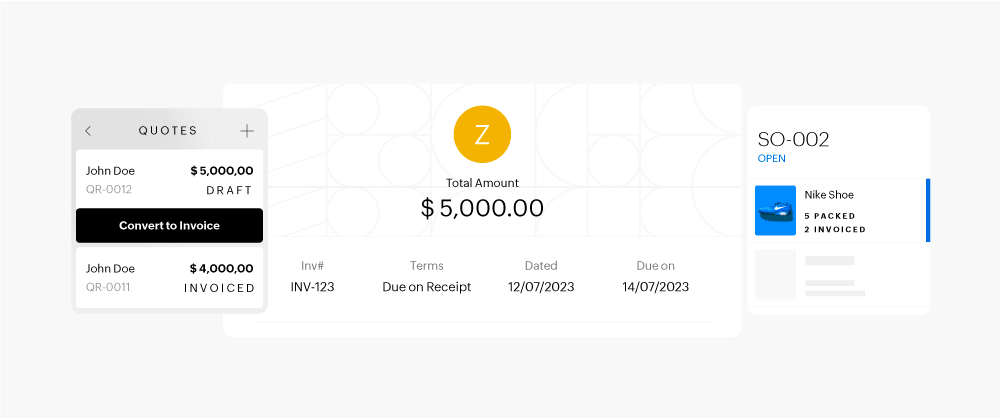
Create Quotes Quickly
Generate professional, personalized, and branded quotes on the go, from any device, and secure deals faster.
Create Professional Invoices
Automate invoice generation with accurate tax calculations, enhance your brand with custom branding, and issue invoices in multiple currencies and languages. Automatically create recurring invoices to ensure timely payments for regular transactions.
Streamline Sales Order Fulfillment
Simplify the order-to-cash process with robust sales order management. Convert sales orders into invoices for quick revenue recognition, and easily create purchase orders to restock when inventory runs low.
Accept Online Payments
Improve client experience with convenient online payment options via payment links or the client portal. Set automated reminders to ensure timely payments from customers.
Optimize Sales with Approvals
Implement single or multi-level sales approvals to prevent unauthorized transactions, minimizing errors in invoices, sales orders, quotes, and credit notes.
Partial Invoicing with Progress Payments
Invoice customers in stages by creating custom amounts for each line item, allowing them to make proportional payments as services or items are delivered.
Manage Retention Payments
Track retained amounts from clients based on an agreed retention rate. Zoho Books ensures transparency and proper tracking until contract conditions are met.
Early Payment Discounts
Improve cash flow with early payment discounts, reducing turnaround time and improving credit terms. Our automated system tracks discounts and ensures accurate accounting.
PAYABLES
Master Your Payables and Vendor Management
Gain control over your payables and vendor relationships. Track vendor bill payments, manage outstanding amounts, and easily record all expenses.
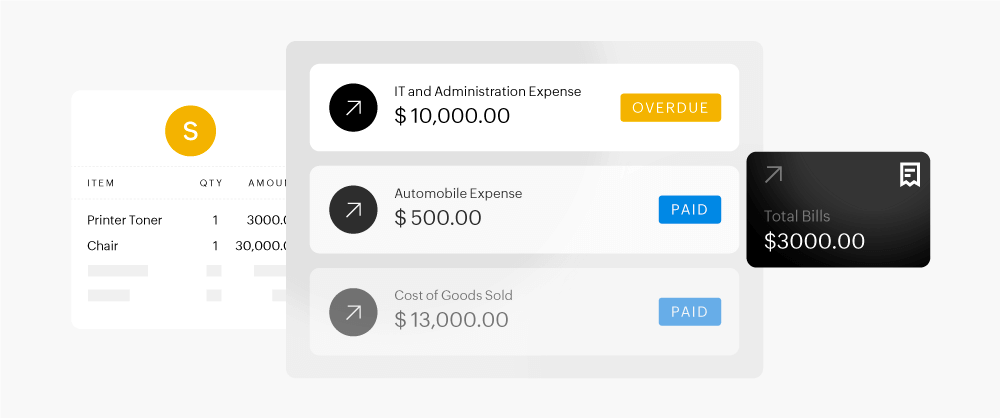
Manage Vendor Bills
Track who you owe and how much. Convert vendor invoices to bills, make full or partial payments, apply vendor credits, and monitor the status of all payments with ease.
Streamline Purchase Orders
Simplify the purchasing process and build stronger vendor relationships with clear insights into orders, deliveries, payments, and inventory management.
Simplify Expense Tracking
No more cluttered receipts! Digitally capture business expenses, scan receipts automatically, set up recurring expenses, and categorize them for better financial insights.
Centralized Document Storage
Organize and access important documents easily. Attach receipts to bills or expenses, auto-scan transactions, and create custom folders for quick access.
Verify Purchases with Approval Workflows
Control purchases and ensure timely, accurate payments by setting up single or multi-level approval processes for bills, purchase orders, and vendor credits.
TAX COMPLIANCE
Stay Confident with Easy Tax Compliance
Automate tax tracking and generate timely reports to ensure you’re always on top of compliance.
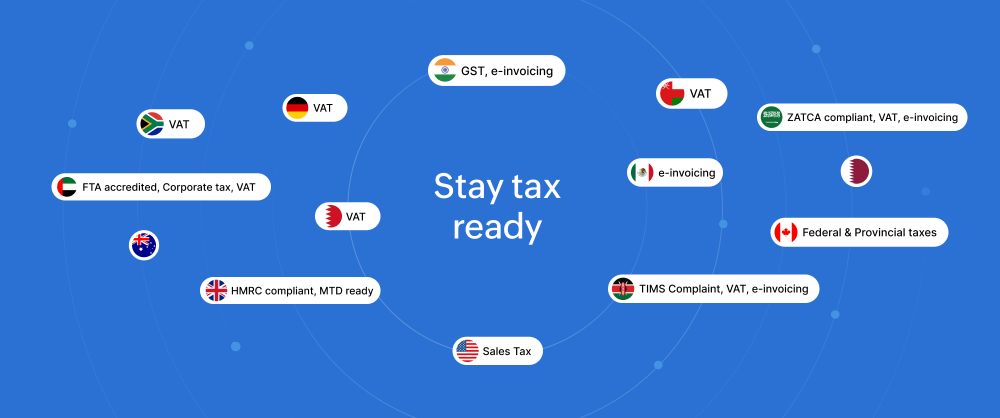
Tax Rates
Easily set up default tax rates or groups, applying them to contacts and items. Zoho Books automatically applies the relevant tax rates to your sales and purchase transactions.
On-Demand Tax Reports
Access a summary of all taxes applied to your sales and purchases. Drill down into individual transactions and get ready for tax season with just one click.
BANK RECONCILIATION
Easily sync your bank with your books
Achieve perfect alignment between your books and bank statement with the bank reconciliation module. Bring in transactions from multiple bank accounts and credit cards, either automatically or manually, and match them using our intelligent algorithm. Simplify reconciliation and save valuable time!
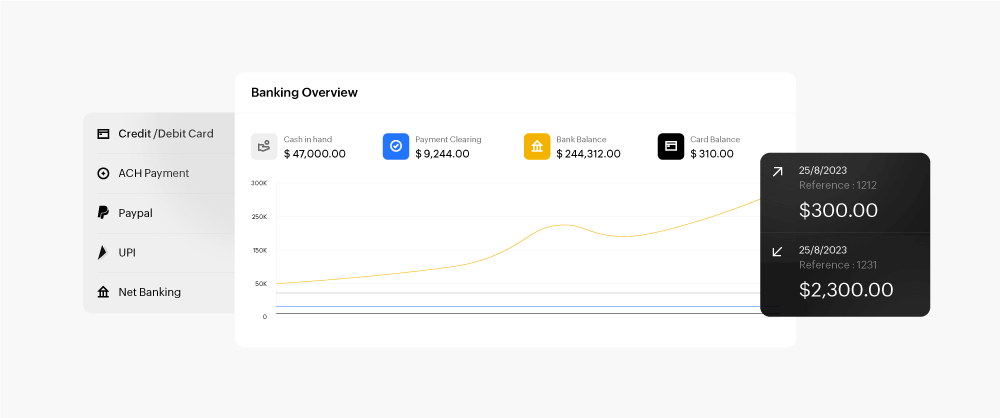
Connect Bank Feeds
Automatically import bank feeds into Zoho Books, or manually upload bank statements to populate transactions, making it easier to reconcile your business transactions.
Auto-categorize and Match Transactions
Categorize and match transactions manually or let Zoho Books' Bank Rules automatically handle bank withdrawals and deposits.
Streamlined Reconciliation
Close your books quickly with Zoho Books' reconciliation, ensuring seamless synchronization of bank accounts and business transactions.
INVENTORY
Efficient inventory and stock management
Track each item in your inventory with precision, efficiently managing stock levels and quickly fulfilling orders.
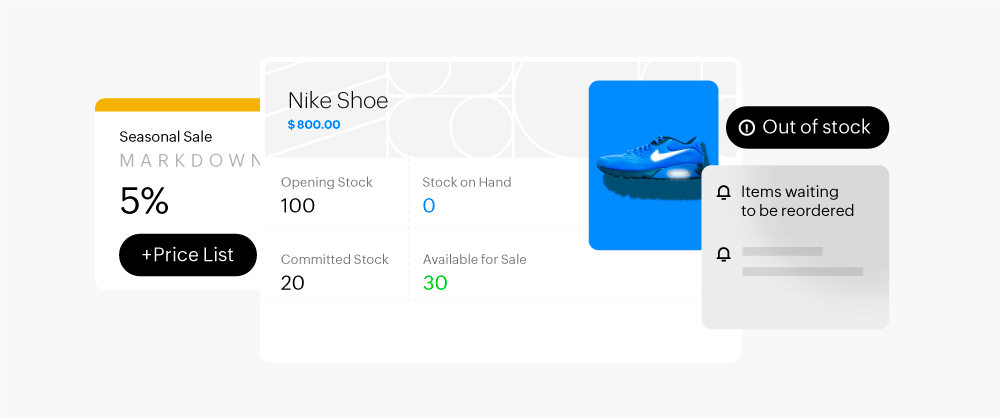
Manage Items
Organize your inventory by defining each item’s details, including cost, sale prices, SKUs, product photos, quantities, and stock levels.
Create Price Lists
Create customized price lists with markups or discounts and link them to sales or purchase transactions.
Restock Proactively
Prevent stockouts by setting reorder points and receiving alerts before stock levels fall. Instantly create purchase orders to your preferred vendors.
Make Inventory Adjustments
Easily adjust stock quantity or value for damaged, missing products, or revised prices to maintain accurate records.
Advanced Inventory Control
Access advanced features like composite items, item groups, packages, shipments, and bulk adjustments.
Inventory for eCommerce
Sync inventory levels across online sales channels like Amazon, Etsy, eBay, Shopify, and Zoho Commerce, integrating seamlessly with Zoho Books.
PROJECT ACCOUNTING
Transform time into profit with projects and timesheets
Zoho Books lets you manage projects, set budgets, assign tasks, and easily bill clients, helping you maximize project profitability.
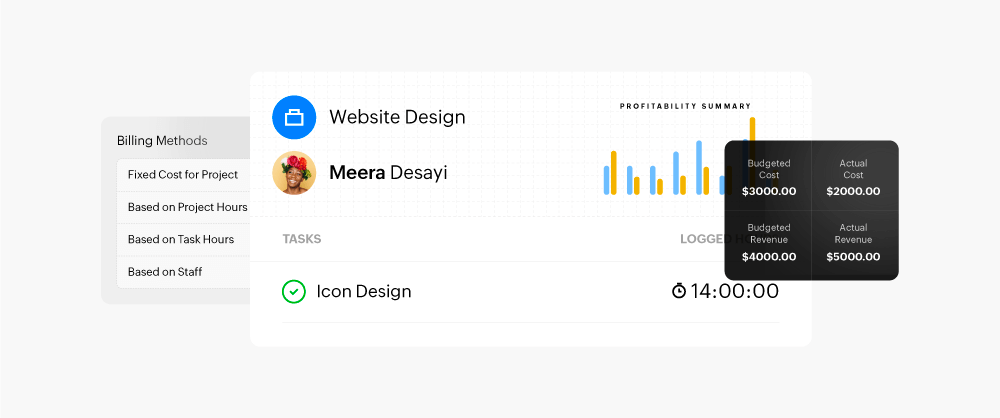
Project Budgeting
Set cost and revenue budgets for projects to track actual versus estimated income and expenses. Generate detailed Budget vs. Actuals reports to evaluate performance.
Project Timesheet and Approval
Allow team members to log time using Zoho Books, accessible via the web, mobile app, or browser extension. Set approval workflows for internal and client timesheet validation before billing.
Project Billing and Expenses
Invoice clients accurately based on project costs, time spent, tasks completed, and expenses incurred. Easily raise project retainer invoices too.
Project Profitability
Use profitability reports to identify high-profit projects and optimize resources for better efficiency and higher profits.
REPORTS
Make informed decisions with comprehensive reports
Stay on top of your business’s finances with 70+ built-in and customizable reports and advanced analytics to understand past, present, and future performance.
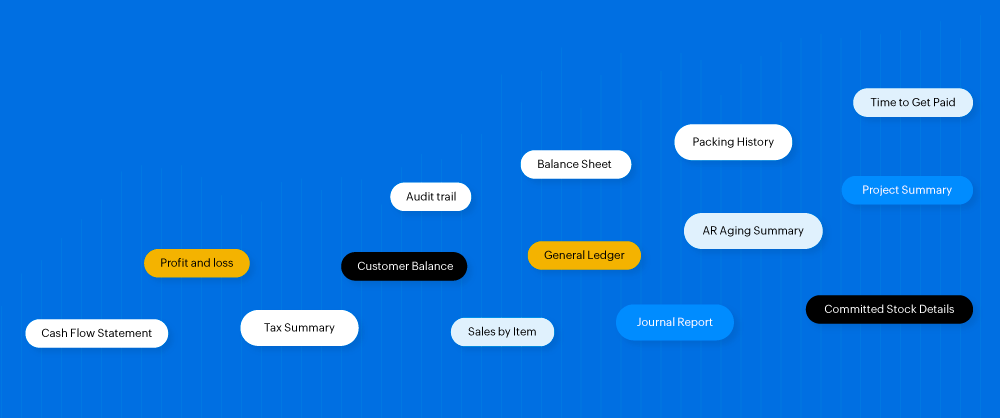
Business Financial Reports
Run essential reports like profit and loss, cash flow, and balance sheets to evaluate your business's financial health. Instantly compare trends across periods and divisions.
70+ Built-in Reports
Access a wide variety of reports on sales, expenses, purchases, inventory, projects, accounts, taxes, and more. Always up-to-date for your convenience.
Tailor Reports to Your Needs
Customize reports by adjusting date ranges, adding/removing columns, and applying filters. View updated, personalized reports at any time.
Generate Divisional Reports with Reporting Tags
Use reporting tags on contacts, items, and transactions to create divisional reports. Perfect for tracking cost centers, revenue streams, or different business operations.
Share Reports with Stakeholders
Export reports in PDF or spreadsheet format, password-protect them if needed, and schedule periodic emails to stakeholders. Grant customized report access to users.
Advanced Business Intelligence
Enhance reporting with Zoho Analytics to create advanced reports and dashboards, helping you make smarter financial decisions with integrated cross-functional data.
COLLABORATION
Unified collaboration for everyday accounting needs
Promote collaboration between your team, customers, suppliers, and accountants, all within a single platform.
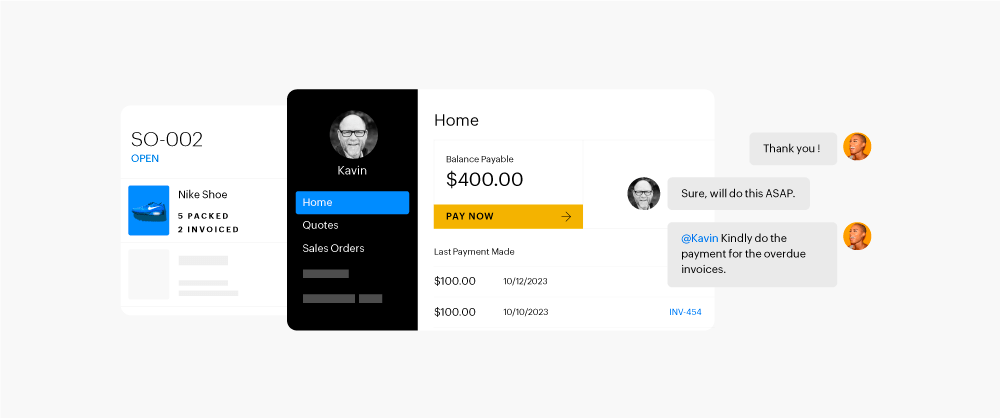
Improve Customer Experience
Enhance brand perception with a self-service customer portal. Invite customers to accept quotes, review transactions, and make online payments. Speed up the quote-to-cash process and negotiate through comments.
Empower Vendor Collaboration
Streamline communication with a dedicated vendor portal for your suppliers. Vendors can receive purchase orders, track payment statuses, and engage in real-time communication with you. Uploaded invoices can be automatically converted into Bills in Zoho Books.
Simplify Accountant Collaboration
Invite your accountant to Zoho Books to access real-time financial data. They can easily manage journal entries, currency adjustments, reconciliations, and generate reports from anywhere.
Enhance Team Collaboration
Encourage teamwork and improve task management. Communicate via voice, video, or screen sharing calls on transactions and tasks. Assign, prioritize, and monitor accounting tasks, tagging them with relevant contacts, items, transactions, or journals for context.
FOR ACCOUNTANTS
Expert Help for Accurate Books
Join Zoho Books as an accountant to manage business finances from anywhere!
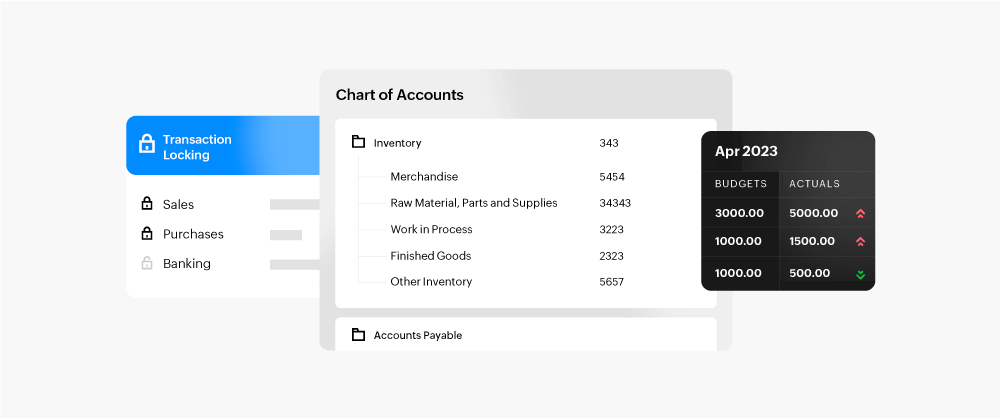
Organized Chart of Accounts
Track financial activities with a well-organized chart of accounts. Add sub-accounts within assets, liabilities, equity, income, and expenses as needed.
Manual Journal Entries
Record unique account credits and debits, like non-routine adjustments or asset depreciation, that aren't linked to regular sales and purchase transactions.
Fixed Asset Management
Simplify asset tracking with Zoho Books. Automatically calculate depreciation, manage asset life cycles, handle disposals, and access detailed reports for better financial decision-making.
Base Currency Adjustments
Adjust for fluctuating exchange rates and calculate the profit or loss from transactions involving foreign currencies.
Budgeting Made Simple
Set income, expense, and other account targets easily. Access budget vs. actual reports for valuable business insights.
Transaction Locking
Before audits or tax filing, lock transactions by setting an end-of-period lock date in Zoho Books to prevent unauthorized changes.
Zoho Practice
Zoho Practice is management software for accounting firms to streamline tasks and manage Zoho Books clients.
Workflow Automation
Accounting Automation for Maximum Efficiency
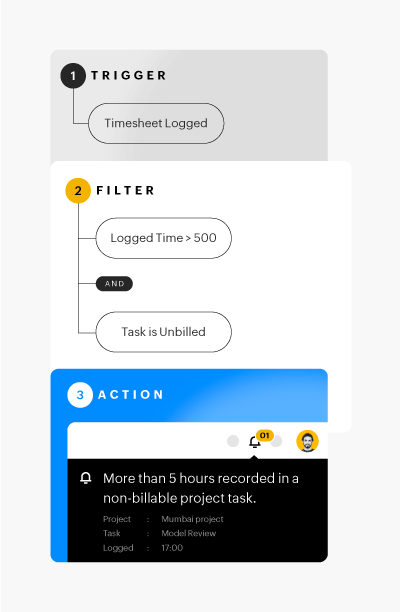
- Automate tasks like recurring expenses and invoices, or convert quotes into invoices and purchase orders into bills. Set payment reminders and automatically charge cards for efficient payment collection.
- Trigger Workflow Create and trigger business workflows to notify, update, or validate information, maximizing security, visibility, and operational efficiency.
Customization
Tailored solutions for your specific needs
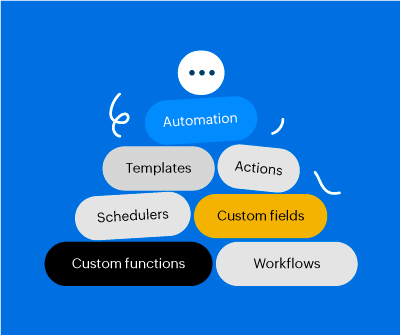
Create tailored processes that meet your specific business needs. With personalized settings, custom fields, templates, and reports, you can easily adapt our system to fit your requirements.
SCALE GLOBALLY
Go Global with Zoho Books
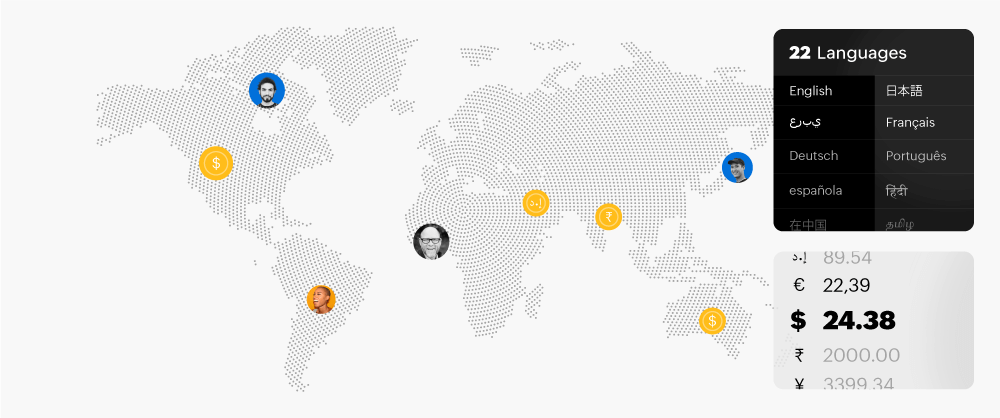
Manage global customers and vendors with ease. Zoho Books handles multiple currencies, languages, and transaction formats, making it ideal for businesses that operate internationally.
Handle Multi-Currency Transactions
Zoho Books supports multi-currency transactions, automatically adjusting for exchange rates, allowing you to manage global client transactions seamlessly.
Select Language Preference
Choose from 22 languages for your Zoho Books interface, including transaction documents and email templates in your customer or vendor's preferred language.
Built for Teams Across the Globe
Whether working from an office or remotely, Zoho Books ensures seamless collaboration for teams worldwide, promoting efficient global financial operations.
INTEGRATIONS
Elevate Your Efficiency with Seamless Integrations
Integrate with payment gateways, third-party apps, Zoho apps, and partner banks to supercharge your accounting and boost productivity.
ACCOUNTING ACROSS DEVICES
More Ways to Access Zoho Books
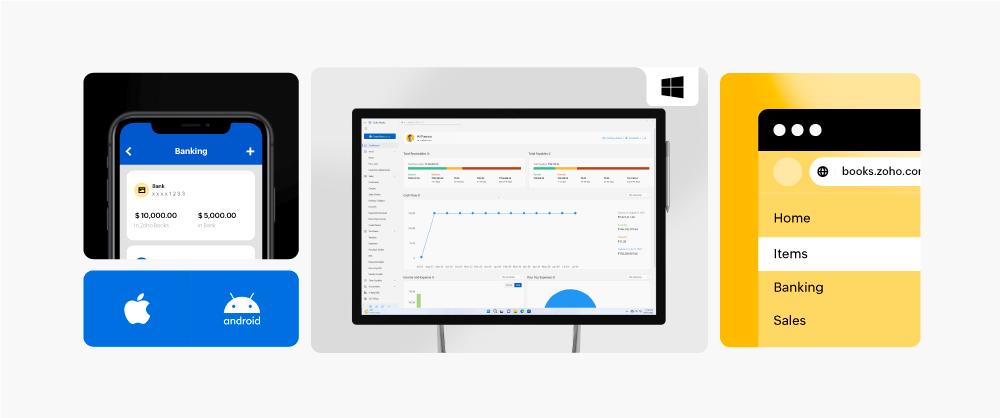
Download Zoho Books on desktop, mobile, tablet, and smartwatch via the Microsoft Store, Play Store, or App Store to manage your accounting on the go!
SECURITY & PRIVACY
Data Security and Privacy at the Core of Our Growth Philosophy
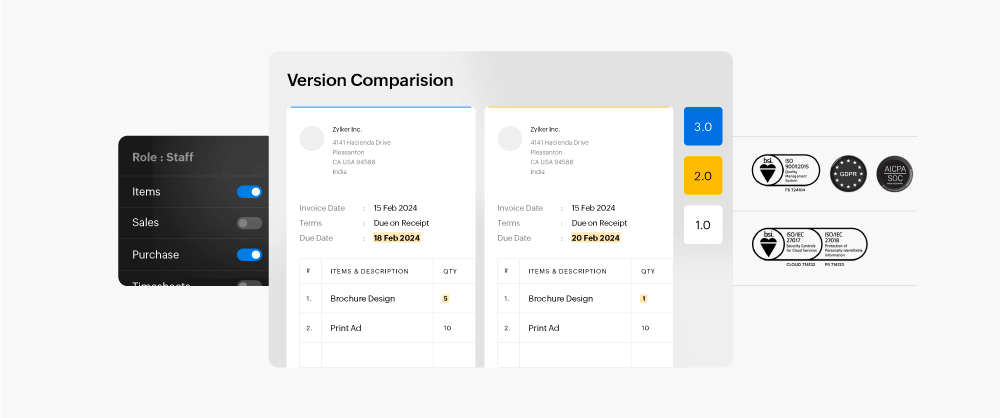
At Zoho, your security and privacy come first. Zoho Books ensures robust data protection and compliance with top privacy standards.
User Roles
Choose predefined roles or create custom permissions to control module access, ensuring data security and accountability.
Activity Log
Track all actions within Zoho Books. Access detailed activity reports or trace contact, item, or transaction histories to see who made what changes and when.
PCI Compliance
Zoho Books is PCI-DSS Level 1 certified and encrypts customer-sensitive data to maintain security.
HIPAA Compliance
Protect health information with Zoho Books to ensure HIPAA compliance.
EU GDPR Compliance
Zoho Books securely handles customer data according to GDPR standards, ensuring safe data collection, storage, and processing.